🧠 Why Use Meeting Scheduler Software?
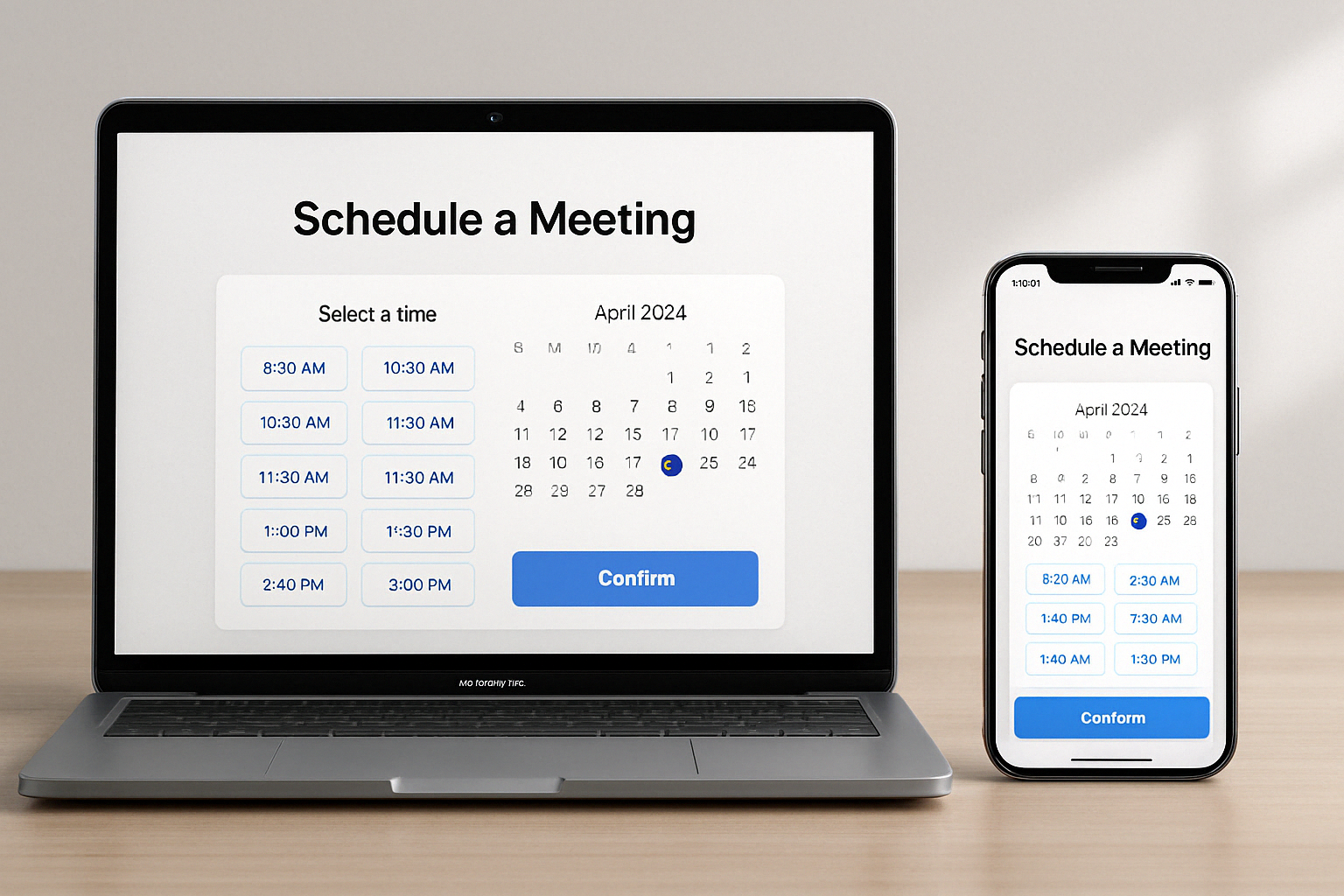
If you’re tired of back-and-forth emails trying to book a time, meeting scheduler software can save hours of productivity every week. These tools sync your calendar, auto-detect time zones, and let guests book time based on your availability—without double bookings or confusion.
They’re ideal for:
-
Teams booking client demos
-
Freelancers taking consultations
-
Sales reps qualifying leads
-
Coaches, consultants, and educators
🏆 Top 13 Meeting Scheduler Tools in 2025
Each tool below includes pros, cons, free features, and best use cases:
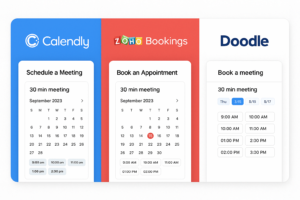
1. Calendly – Best for Simplified Scheduling
-
Free Plan: ✔️
-
Integrations: Google, Zoom, Slack, HubSpot
-
Best For: Solopreneurs & teams needing fast booking
Pros:
✅ Clean interface, great UX
✅ Time-zone detection & buffer times
✅ Group and round-robin meetings
Cons:
❌ Advanced features require paid plans
2. Zoho Bookings – Best for Businesses Using Zoho Suite
-
Free Plan: ✔️
-
Integrations: Zoho, Google Calendar, Zoom
Pros:
✅ Fully brandable booking page
✅ Team management and permissions
✅ Custom domain URLs
Cons:
❌ Learning curve for setup
3. viaSocket + Cal.com – Best for Developer-Friendly Custom Workflows
-
Free Plan: ✔️
-
Integrations: Zapier, Google, Discord, Analytics
Pros:
✅ Fully open-source
✅ Supports Stripe & workflows
✅ Great for automating reminders or CRM syncing
Cons:
❌ Some tech skills needed for setup
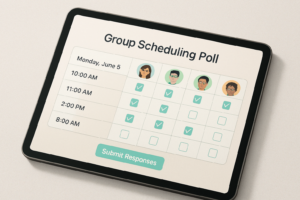
4. Doodle – Best for Group Poll Scheduling
-
Free Plan: ✔️
-
Integrations: Google Meet, Zoom, Outlook
Pros:
✅ Poll-based scheduling for teams
✅ Power features to avoid overbooking
✅ Supports 1-on-1 and team bookings
Cons:
❌ Ads on free plan
❌ Limited free booking page features
5. YouCanBook.me – Best for Branded Booking Pages
-
Free Plan: ✔️
-
Integrations: Google, Microsoft 365
Pros:
✅ Personalized booking URLs
✅ Team routing + Zapier automation
✅ Email + SMS reminders
Cons:
❌ Limited UI customizations without upgrade
6. Setmore – Best Free Tool with Payment Support
-
Free Plan: ✔️
-
Integrations: PayPal, Stripe, Zoom

Pros:
✅ Easy web builder for booking pages
✅ Free unlimited bookings
✅ Great support
Cons:
❌ SMS reminders behind paywall
7. Appointlet – Best for Quick Setup
-
Free Plan: ✔️
-
Integrations: Google Calendar, Teams, Zapier
Pros:
✅ Intuitive design
✅ Supports group & 1-on-1 bookings
✅ Good analytics
Cons:
❌ Limited template branding
8. SimplyBook.me – Best for Service-Based Scheduling
-
Free Plan: ✔️ (50 bookings/month)
-
Integrations: Facebook, Instagram, Zoom, Stripe
Pros:
✅ Perfect for salons, fitness, therapy
✅ Customer review module
✅ Sell subscriptions & memberships
Cons:
❌ UI can feel dated
9. HubSpot Meeting Scheduler – Best CRM Integration
-
Free Plan: ✔️
-
Integrations: HubSpot CRM, Zoom, Google
Pros:
✅ Seamless HubSpot timeline view
✅ Lead routing + email follow-ups
✅ Fast onboarding
Cons:
❌ Limited unless using broader HubSpot suite
10. Google Calendar – Best Free Native Tool
-
Free Plan: ✔️
-
Integrations: Gmail, Google Meet
Pros:
✅ Integrated into Google Workspace
✅ Easy to share & embed
✅ Appointment slots feature
Cons:
❌ Not ideal for customer-facing booking
11. Acuity Scheduling – Best for Paid Consultations
-
Free Plan: ❌
-
Integrations: Stripe, PayPal, Square
Pros:
✅ Great for coaches, therapists
✅ Advanced scheduling rules
✅ Multiple service types
Cons:
❌ Paid only
12. SavvyCal – Best for Collaborative Booking
-
Free Plan: ✔️
-
Integrations: Google, Zoom, Slack
Pros:
✅ Overlays guest calendar view
✅ “Propose a time” feature
✅ Modern, mobile-first design
Cons:
❌ Premium features gated
13. ChiliCal (by Chili Piper) – Best for Revenue Teams
-
Free Plan: ❌
-
Integrations: Salesforce, HubSpot
Pros:
✅ Lead routing rules
✅ Auto-qualify leads on booking
✅ Built for B2B sales teams
Cons:
❌ Not for general users
📊 Feature Comparison Table
| Tool | Free Plan | 1:1 | Group | Round Robin | Payments | CRM Sync | Best For |
|---|---|---|---|---|---|---|---|
| Calendly | ✅ | ✅ | ✅ | ✅ | ❌ | ✅ | SMBs, Solopreneurs |
| Zoho Bookings | ✅ | ✅ | ✅ | ✅ | ✅ | ✅ | Businesses, Teams |
| Doodle | ✅ | ✅ | ✅ | ✅ (Polls) | ❌ | ❌ | Team collaboration |
| Cal.com | ✅ | ✅ | ✅ | ✅ | ✅ | ✅ | Devs, Agencies |
| YouCanBook.me | ✅ | ✅ | ✅ | ✅ | ✅ | ❌ | Agencies, Freelancers |
| Setmore | ✅ | ✅ | ✅ | ❌ | ✅ | ❌ | Local services |
| Acuity | ❌ | ✅ | ✅ | ✅ | ✅ | ✅ | Therapists, Coaches |
🧭 How to Choose the Right Scheduling App
Choose based on:
-
Use Case: Internal meetings vs. client bookings?
-
Team Size: Do you need round-robin and team routing?
-
Customization: Need branded booking pages?
-
Budget: Free plan sufficient, or are paid features worth it?
-
Automation: Want workflows, reminders, CRM sync?
✅ Final Thoughts
If you want a quick recommendation:
| Need | Tool |
|---|---|
| Best free scheduler | Calendly, Google Cal |
| Best for automation | Cal.com + viaSocket |
| Best for sales teams | ChiliCal, HubSpot |
| Best for booking services | SimplyBook.me, Acuity |
| Best for internal team polls | Doodle |
| Best all-in-one for businesses | Zoho Bookings |
❓ FAQs
1. Are there any truly free meeting schedulers?
Yes — Calendly, Google Calendar, Doodle, and YouCanBook.me all offer free plans with essential features.
2. Can I collect payments with these tools?
Yes. Tools like Zoho Bookings, Acuity, SimplyBook.me, and Setmore support Stripe or PayPal.
3. What’s best for teams with many meetings?
Tools like Zoho Bookings, Cal.com, HubSpot, and YouCanBook.me support round-robin, admin views, and integrations.
Leave a Reply