Blog

  • 13 Best Meeting Scheduler Software Tools for 2025 (Free & Paid)

    13 Best Meeting Scheduler Software Tools for 2025 (Free & Paid)

    🧠 Why Use Meeting Scheduler Software?

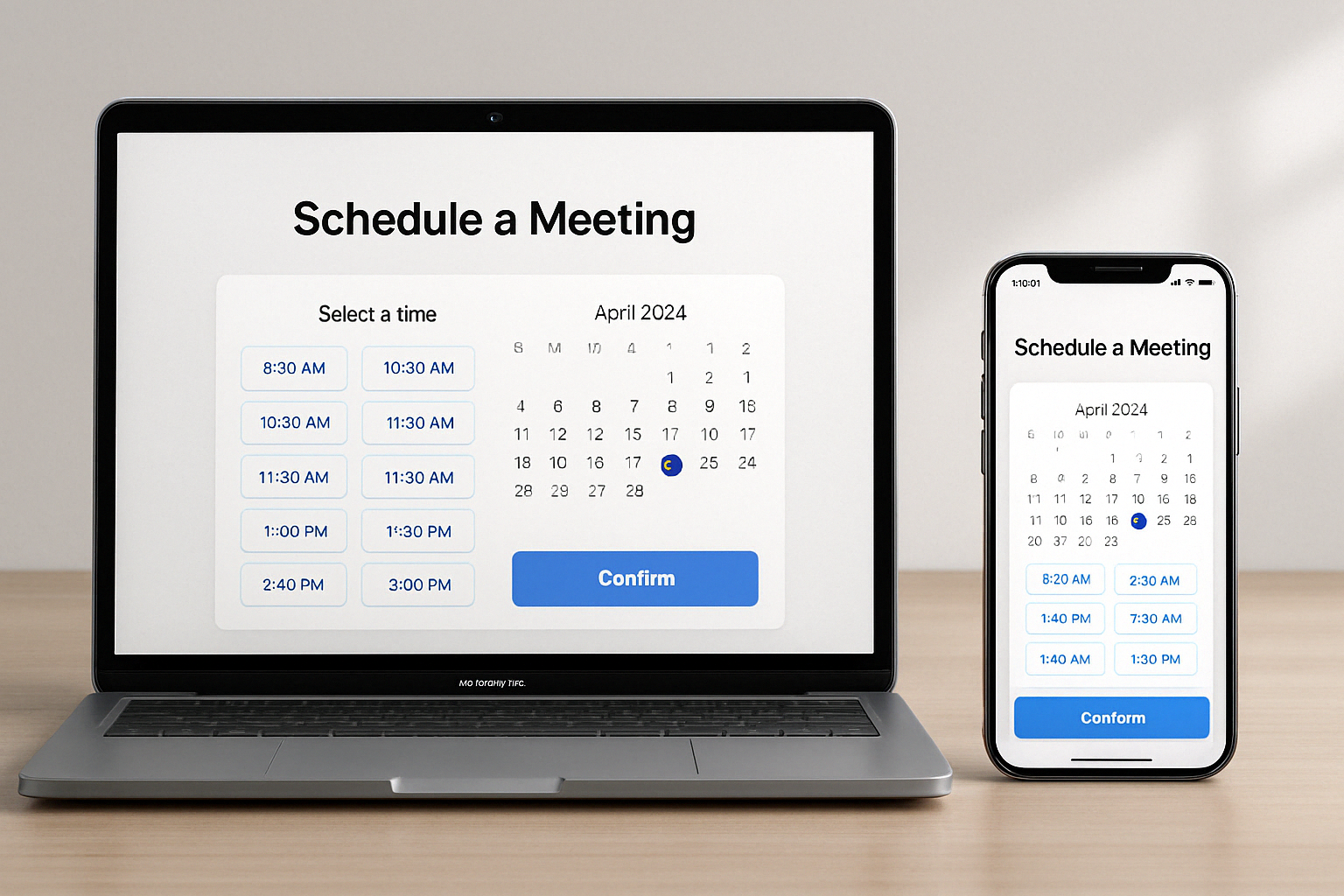
    If you’re tired of back-and-forth emails trying to book a time, meeting scheduler software can save hours of productivity every week. These tools sync your calendar, auto-detect time zones, and let guests book time based on your availabilityβ€”without double bookings or confusion.

    They’re ideal for:

    • Teams booking client demos

    • Freelancers taking consultations

    • Sales reps qualifying leads

    • Coaches, consultants, and educators


    πŸ† Top 13 Meeting Scheduler Tools in 2025

    Each tool below includes pros, cons, free features, and best use cases:
    Feature comparison table for top meeting scheduler tools


    1. Calendly – Best for Simplified Scheduling

    • Free Plan: βœ”οΈ

    • Integrations: Google, Zoom, Slack, HubSpot

    • Best For: Solopreneurs & teams needing fast booking

    Pros:
    βœ… Clean interface, great UX
    βœ… Time-zone detection & buffer times
    βœ… Group and round-robin meetings

    Cons:
    ❌ Advanced features require paid plans


    2. Zoho Bookings – Best for Businesses Using Zoho Suite

    • Free Plan: βœ”οΈ

    • Integrations: Zoho, Google Calendar, Zoom

    Pros:
    βœ… Fully brandable booking page
    βœ… Team management and permissions
    βœ… Custom domain URLs

    Cons:
    ❌ Learning curve for setup


    3. viaSocket + Cal.com – Best for Developer-Friendly Custom Workflows

    • Free Plan: βœ”οΈ

    • Integrations: Zapier, Google, Discord, Analytics
    Doodle group availability poll for team meetings

    Pros:
    βœ… Fully open-source
    βœ… Supports Stripe & workflows
    βœ… Great for automating reminders or CRM syncing

    Cons:
    ❌ Some tech skills needed for setup


    4. Doodle – Best for Group Poll Scheduling

    • Free Plan: βœ”οΈ

    • Integrations: Google Meet, Zoom, Outlook
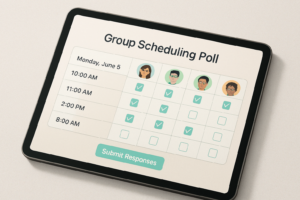
    Group polls of a meeing on an ipad
    Pros:

    βœ… Poll-based scheduling for teams
    βœ… Power features to avoid overbooking
    βœ… Supports 1-on-1 and team bookings

    Cons:
    ❌ Ads on free plan
    ❌ Limited free booking page features


    5. YouCanBook.me – Best for Branded Booking Pages

    • Free Plan: βœ”οΈ

    • Integrations: Google, Microsoft 365

    Pros:
    βœ… Personalized booking URLs
    βœ… Team routing + Zapier automation
    βœ… Email + SMS reminders

    Cons:
    ❌ Limited UI customizations without upgrade


    6. Setmore – Best Free Tool with Payment Support

    • Free Plan: βœ”οΈ

    • Integrations: PayPal, Stripe, Zoom

    Group of people in a meeting room
    Pros:

    βœ… Easy web builder for booking pages
    βœ… Free unlimited bookings
    βœ… Great support

    Cons:
    ❌ SMS reminders behind paywall


    7. Appointlet – Best for Quick Setup

    • Free Plan: βœ”οΈ

    • Integrations: Google Calendar, Teams, Zapier

    Pros:
    βœ… Intuitive design
    βœ… Supports group & 1-on-1 bookings
    βœ… Good analytics

    Cons:
    ❌ Limited template branding


    8. SimplyBook.me – Best for Service-Based Scheduling

    • Free Plan: βœ”οΈ (50 bookings/month)

    • Integrations: Facebook, Instagram, Zoom, Stripe

    Pros:
    βœ… Perfect for salons, fitness, therapy
    βœ… Customer review module
    βœ… Sell subscriptions & memberships

    Cons:
    ❌ UI can feel dated


    9. HubSpot Meeting Scheduler – Best CRM Integration

    • Free Plan: βœ”οΈ

    • Integrations: HubSpot CRM, Zoom, Google

    Pros:
    βœ… Seamless HubSpot timeline view
    βœ… Lead routing + email follow-ups
    βœ… Fast onboarding

    Cons:
    ❌ Limited unless using broader HubSpot suite


    10. Google Calendar – Best Free Native Tool

    • Free Plan: βœ”οΈ

    • Integrations: Gmail, Google Meet

    Pros:
    βœ… Integrated into Google Workspace
    βœ… Easy to share & embed
    βœ… Appointment slots feature

    Cons:
    ❌ Not ideal for customer-facing booking


    11. Acuity Scheduling – Best for Paid Consultations

    • Free Plan: ❌

    • Integrations: Stripe, PayPal, Square

    Pros:
    βœ… Great for coaches, therapists
    βœ… Advanced scheduling rules
    βœ… Multiple service types

    Cons:
    ❌ Paid only


    12. SavvyCal – Best for Collaborative Booking

    • Free Plan: βœ”οΈ

    • Integrations: Google, Zoom, Slack

    Pros:
    βœ… Overlays guest calendar view
    βœ… β€œPropose a time” feature
    βœ… Modern, mobile-first design

    Cons:
    ❌ Premium features gated


    13. ChiliCal (by Chili Piper) – Best for Revenue Teams

    • Free Plan: ❌

    • Integrations: Salesforce, HubSpot

    Pros:
    βœ… Lead routing rules
    βœ… Auto-qualify leads on booking
    βœ… Built for B2B sales teams

    Cons:
    ❌ Not for general users


    πŸ“Š Feature Comparison Table


    Tool Free Plan 1:1 Group Round Robin Payments CRM Sync Best For
    Calendly βœ… βœ… βœ… βœ… ❌ βœ… SMBs, Solopreneurs
    Zoho Bookings βœ… βœ… βœ… βœ… βœ… βœ… Businesses, Teams
    Doodle βœ… βœ… βœ… βœ… (Polls) ❌ ❌ Team collaboration
    Cal.com βœ… βœ… βœ… βœ… βœ… βœ… Devs, Agencies
    YouCanBook.me βœ… βœ… βœ… βœ… βœ… ❌ Agencies, Freelancers
    Setmore βœ… βœ… βœ… ❌ βœ… ❌ Local services
    Acuity ❌ βœ… βœ… βœ… βœ… βœ… Therapists, Coaches

    🧭 How to Choose the Right Scheduling App

    Choose based on:

    • Use Case: Internal meetings vs. client bookings?

    • Team Size: Do you need round-robin and team routing?

    • Customization: Need branded booking pages?

    • Budget: Free plan sufficient, or are paid features worth it?

    • Automation: Want workflows, reminders, CRM sync?


    βœ… Final Thoughts

    If you want a quick recommendation:


    Need Tool
    Best free scheduler Calendly, Google Cal
    Best for automation Cal.com + viaSocket
    Best for sales teams ChiliCal, HubSpot
    Best for booking services SimplyBook.me, Acuity
    Best for internal team polls Doodle
    Best all-in-one for businesses Zoho Bookings

    ❓ FAQs

    1. Are there any truly free meeting schedulers?
    Yes β€” Calendly, Google Calendar, Doodle, and YouCanBook.me all offer free plans with essential features.

    2. Can I collect payments with these tools?
    Yes. Tools like Zoho Bookings, Acuity, SimplyBook.me, and Setmore support Stripe or PayPal.

    3. What’s best for teams with many meetings?
    Tools like Zoho Bookings, Cal.com, HubSpot, and YouCanBook.me support round-robin, admin views, and integrations.

  • 10 Best Pomodoro Timer Apps for Laser Focus and Productivity in 2025

    10 Best Pomodoro Timer Apps for Laser Focus and Productivity in 2025

    Want to get more done, faster β€” without burning out?
    You’re not alone. Enter: the Pomodoro Technique β€” a simple but powerful productivity method that’s helped millions stay on task.

    Whether you’re working remotely, studying for exams, or just trying to stop doomscrolling, the right Pomodoro timer can transform how you work.

    Here are the 10 best Pomodoro timer apps in 2025 β€” tested, ranked, and reviewed so you can find your perfect focus tool.


    Toggle Logo
    πŸ₯‡ 1. Toggl Track – Best for Detailed Time Tracking

    Why it’s great: Combines Pomodoro with full time tracking, timesheets, and reports. Ideal for teams and freelancers.

    Key Features:

    • Integrated Pomodoro mode (customizable)

    • Create timesheets from Pomodoro cycles

    • Works across web, desktop, mobile

    • Integrates with 100+ tools

    πŸ’° Price: Free plan (up to 5 users), paid from $9/user/month
    πŸ‘‰ Try Toggl Track


    Forest – Best for Gamified Focus Logo

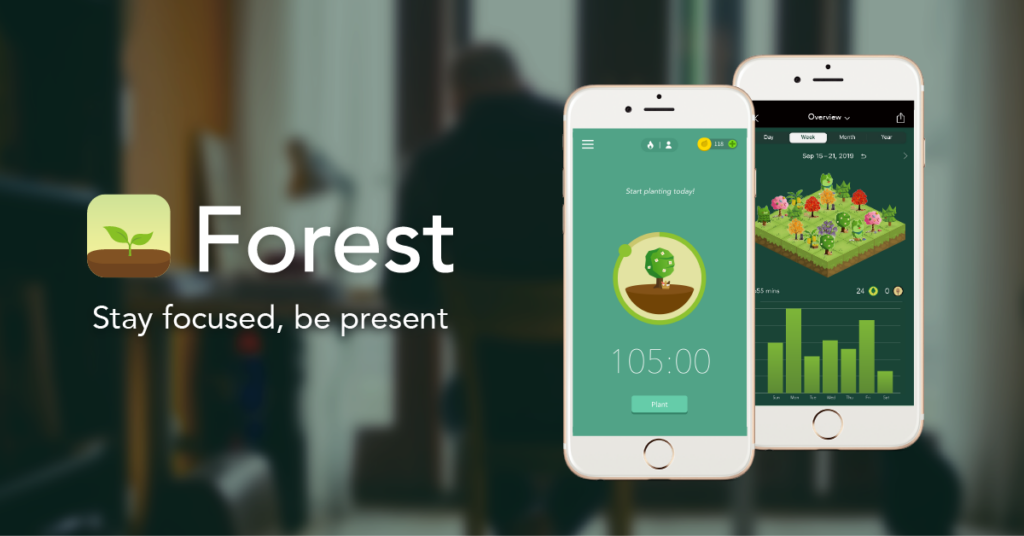
    🌱 2. Forest – Best for Gamified Focus

    Why it’s great: Stay off your phone by growing a digital tree. Kill distractions, plant real ones.

    Key Features:

    • Block apps during focus time

    • Visual motivation (your forest grows!)

    • Partnered with tree-planting orgs

    • Deep Focus mode

    πŸ’° Price: $3.99 (iOS/Android)
    πŸ‘‰ Get Forest


    pomofocus Logo

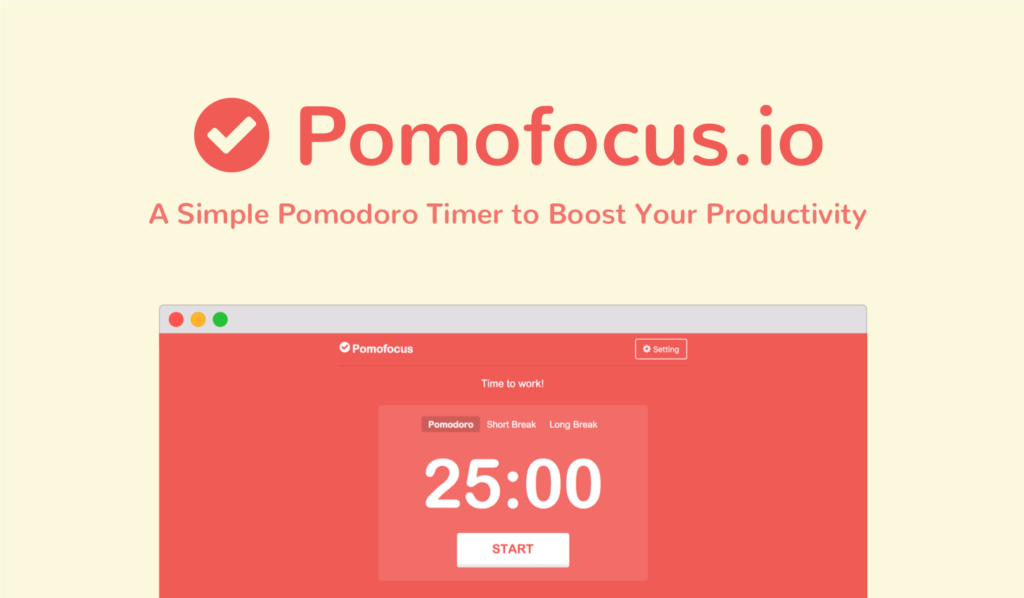
    πŸ’» 3. Pomofocus – Best Free Web Pomodoro App

    Why it’s great: Minimalist, fast, and customizable. Great for solo users and students.

    Key Features:

    • Clean interface

    • Task list + project tracking

    • Weekly/monthly reports

    • Templates for repeat tasks

    πŸ’° Price: Free / Premium: $3/month or $54 lifetime
    πŸ‘‰ Use Pomofocus


    Session pomodoro timer 25 minutes logo

    πŸ‘₯ 4. Session – Best for Apple Users

    Why it’s great: All-in-one Pomodoro + calendar + mindfulness app for macOS/iOS.

    Key Features:

    • Calendar sync

    • App + site blocking

    • Reflection prompts + journaling

    • Apple Shortcuts automation

    πŸ’° Price: Free / Pro: $4.99/month or $39.99/year
    πŸ‘‰ Explore Session


    Marinara Timer Logo

    🧱 5. Marinara Timer – Best for Team Workflows

    Why it’s great: Simple, free, and fully customizable with shareable links.

    Key Features:

    • Web-based, no login needed

    • Custom Pomodoro, kitchen, or countdown mode

    • Admin/view-only share links

    • Timer history

    πŸ’° Price: Free
    πŸ‘‰ Try Marinara Timer


    Focus Keeper Logo

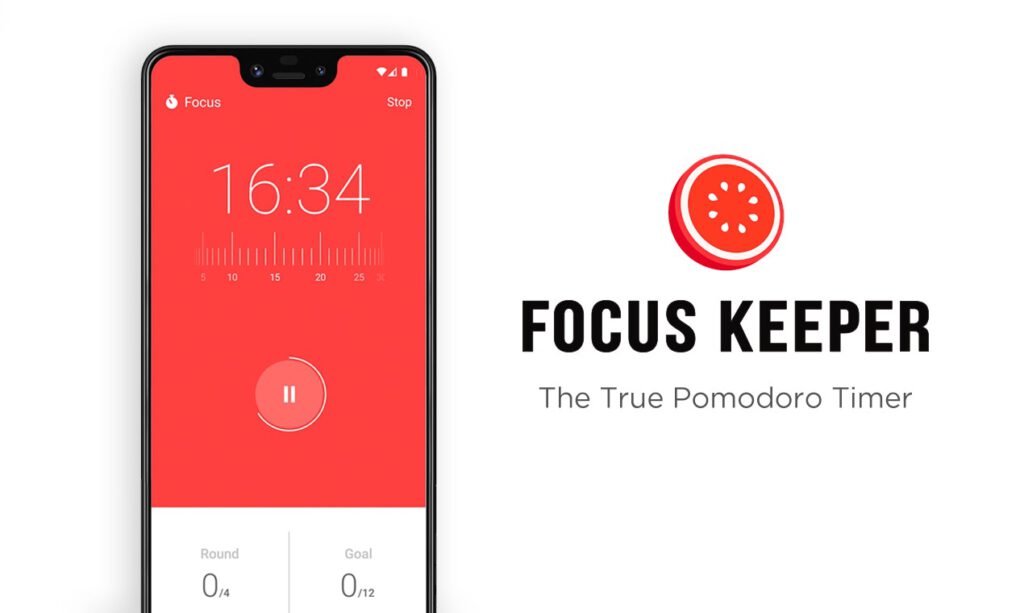
    🧠 6. Focus Keeper – Best for ADHD & Simplicity

    Why it’s great: Clean mobile app with built-in reminders and automated intervals.

    Key Features:

    • Custom Pomodoro length

    • Focus stats (daily, weekly, monthly)

    • Auto-switch between work/break

    • Simple UX

    πŸ’° Price: Free / $3.99 for ad-free version
    πŸ‘‰ Download Focus Keeper


    βœ… 7. Be Focused – Best for Mac Productivity

    Why it’s great: Lightweight Mac app for Pomodoro-based timeboxing + task lists.

    Key Features:

    • Task tracking + Pomodoro timer

    • Daily/weekly goal setting

    • Clean native interface

    πŸ’° Price: Free / $4.99 for Pro version (macOS/iOS)
    πŸ‘‰ Check Be Focused


    πŸ“ 8. Pomello – Best for Trello Fans

    Why it’s great: Syncs directly with Trello boards. Turns cards into Pomodoro cycles.

    Key Features:

    • 50/10 or 25/5 cycles

    • Syncs with Trello task status

    • Logs distractions + task progress

    πŸ’° Price: Free / Premium: $20/year
    πŸ‘‰ Use Pomello


    πŸ“± 9. Minimalist – Best Minimal Pomodoro To-Do App

    Why it’s great: Aesthetic task manager + Pomodoro combo. No distractions.

    Key Features:

    • Swipe to manage tasks

    • Timer with sound and vibration

    • Focus popups

    πŸ’° Price: Free / Premium: $5.99/year
    πŸ‘‰ Available on iOS only


    πŸ… 10. Tomato Timers – Best for Instant Use

    Why it’s great: No login, no setup β€” just click and go.

    Key Features:

    • 25/5/15 default cycle

    • Loop mode

    • Zero distractions

    πŸ’° Price: Free
    πŸ‘‰ Start with Tomato Timers


    🧾 Bonus: What Is the Pomodoro Technique?

    Developed in the 1980s, the Pomodoro method involves:

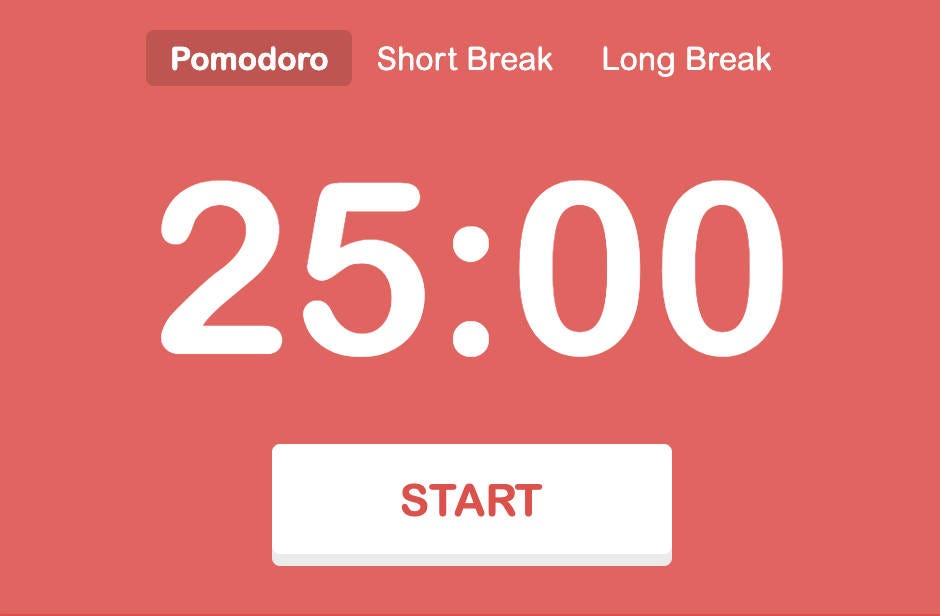
    • 25 mins of focused work

    • 5-minute break

    • After 4 cycles, take a 15–30 min break

    This structure helps reduce mental fatigue, prevent procrastination, and improve deep focus.


    πŸ™‹β€β™‚οΈ FAQ: Pomodoro Timer Questions

    ❓ What’s the best Pomodoro timer for ADHD?

    Try Focus Keeper or Forest. Both provide accountability and clean UX with reminders.

    ❓ Can I use Pomodoro timers with teams?

    Yes. Toggl Track and Marinara Timer are great for collaborative workflows and shared timers.

    ❓ Are Pomodoro timers effective?

    Yes. Numerous studies show short work intervals with regular breaks reduce burnout and increase sustained attention.


    πŸ’‘ Final Verdict: Which Pomodoro Timer Is Right for You?

    Need Best Pick
    Team productivity Toggl Track
    Gamified focus Forest
    Simplicity Pomofocus
    Trello users Pomello
    Mac-exclusive workflow Be Focused
    Custom team timer links Marinara Timer
    To-do list simplicity Minimalist

    ⚑ Ready to Level Up Your Focus?

    Pick the app that fits your style and try the Pomodoro Technique for just one day. You’ll be shocked how much you get done.